Mobile app
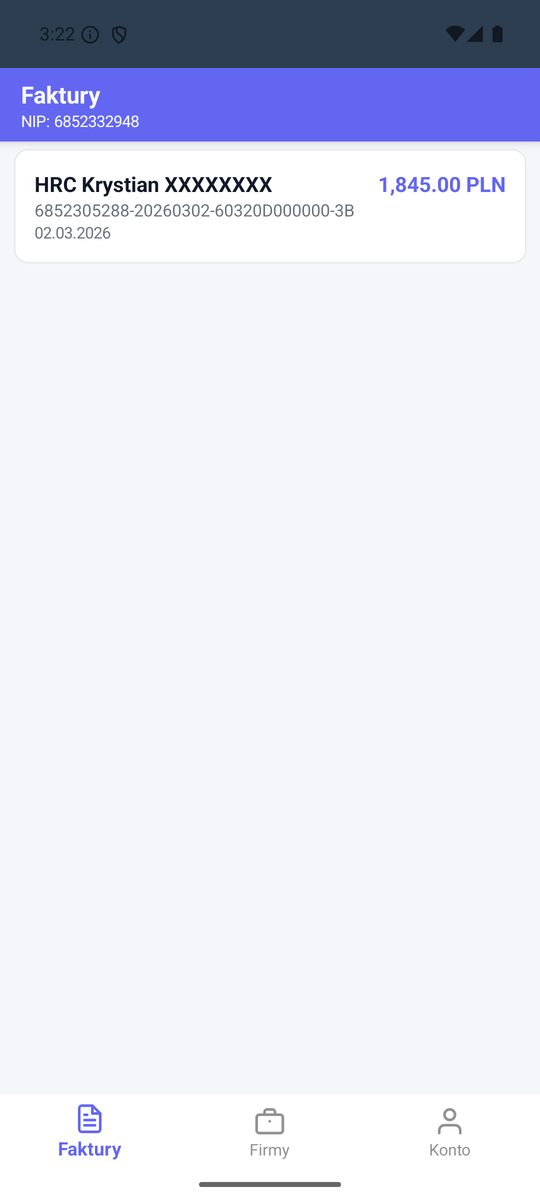
OpenKSeF Mobile is a .NET MAUI app for Android and iOS. It allows browsing invoices, managing companies, and receiving push notifications about new invoices from KSeF.
Features
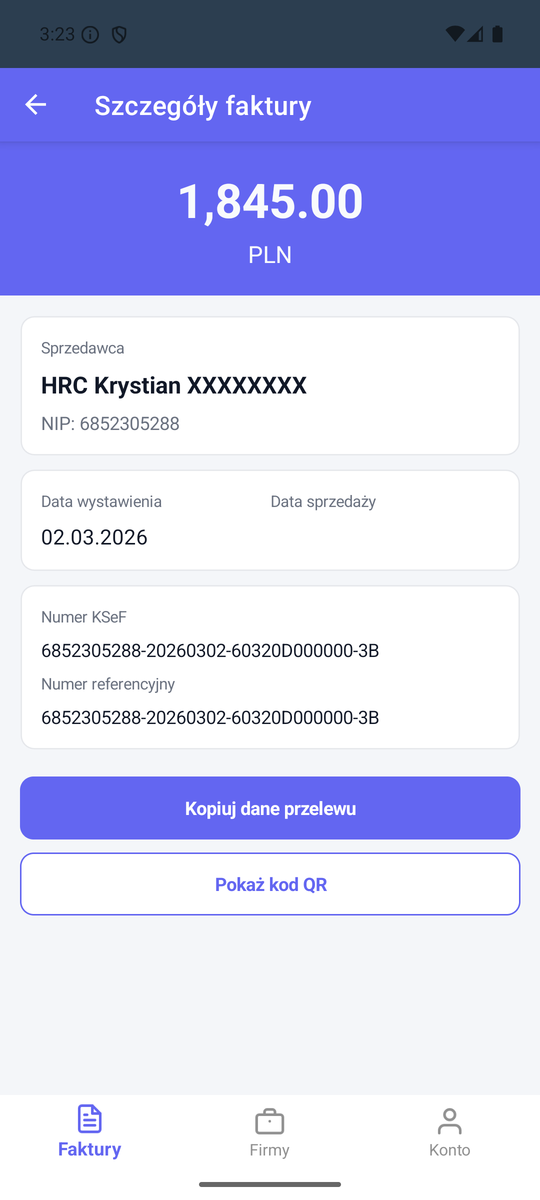
- Browse invoices from KSeF (list, details, filtering)
- Manage companies (tenants)
- Push notifications (SignalR + relay/Firebase)
- Login via Keycloak (OIDC)
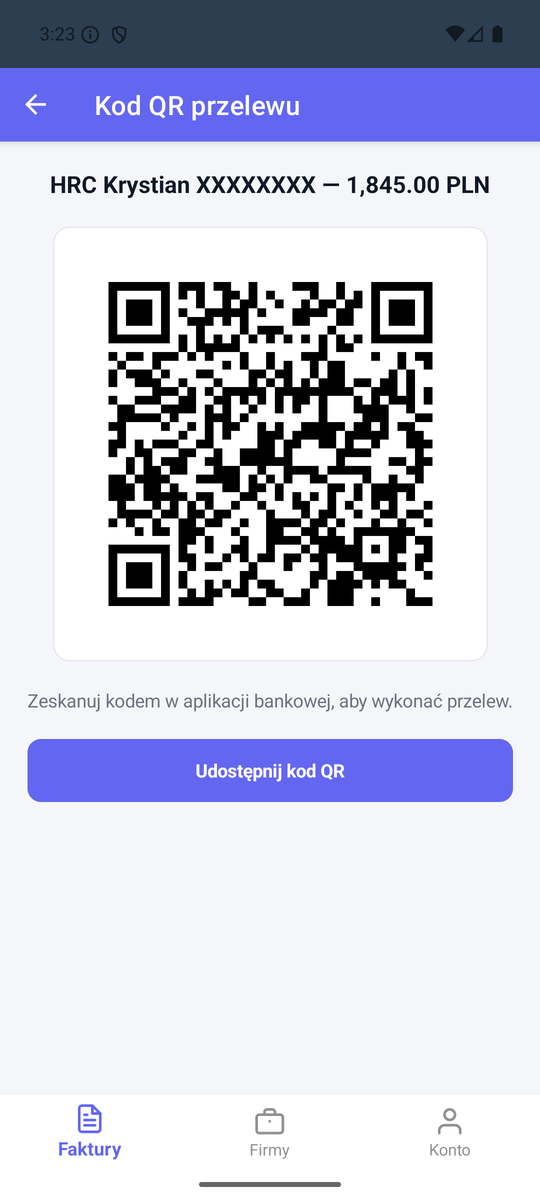
- Payment QR code for banking apps
- QR scanning for quick server connection
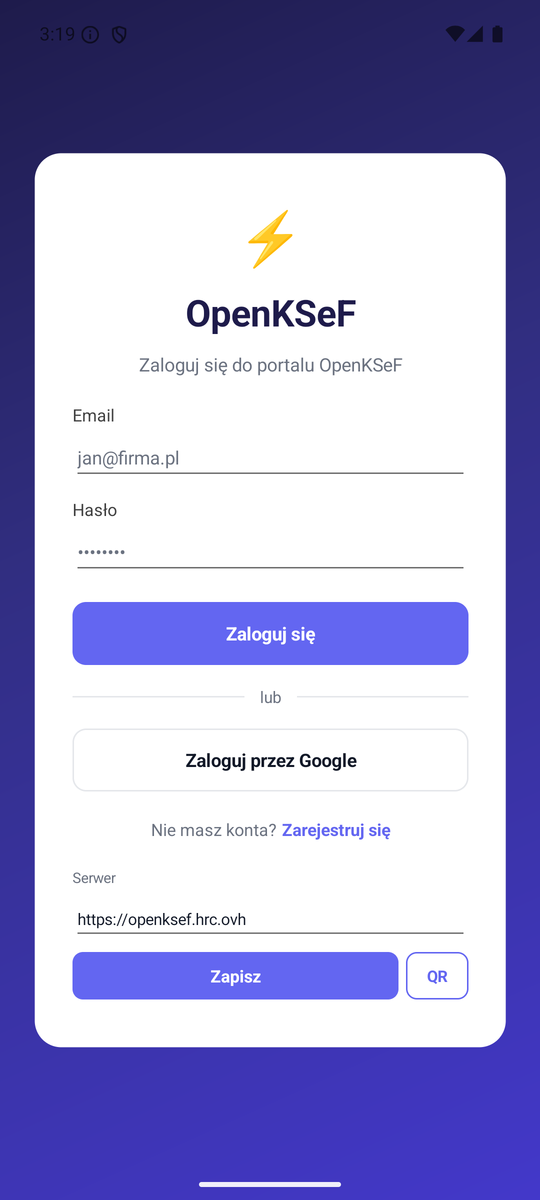
| Login | Invoice list | Invoice detail | Payment QR code |
|---|---|---|---|
 |  |  |  |
Connecting to a self-hosted server
- Install the OpenKSeF app on your device
- On the login screen, enter the server address (e.g.
https://your-server.com) - Log in with your Keycloak credentials
Quick connect
In the web portal, go to the Mobile App page -- you'll find a QR code that you can scan in the mobile app to automatically set the server address.
Android requirements
Android requires HTTPS for OIDC authentication (WebAuthenticator). For local testing:
- Use ngrok to create an HTTPS tunnel
- The
dev-env-up.ps1script configures this automatically - The ngrok address changes with each launch (free plan)
# Launch with ngrok (automatic)
./scripts/dev-env-up.ps1

# The ngrok address will be printed -- use it in the mobile app
Building from source
Requirements
- .NET 8 SDK
- Android SDK (API 34+)
- Visual Studio 2022 or VS Code with MAUI workload
Build
# Android
dotnet build src/OpenKSeF.Mobile/OpenKSeF.Mobile.csproj -f net8.0-android

# iOS (requires macOS)
dotnet build src/OpenKSeF.Mobile/OpenKSeF.Mobile.csproj -f net8.0-ios
Firebase configuration (optional)
If you want your own push notifications on Android:
- Create a Firebase project and download
google-services.json - Place the file at
src/OpenKSeF.Mobile/Platforms/Android/google-services.json - The build will automatically enable Firebase
Without google-services.json, the app works normally but won't receive remote push from Firebase. Push via relay and SignalR work without Firebase.
Details on push configuration in Push notifications.